
Event-Driven User Notifications with Supabase, Webhooks, and Next.js (No Edge Functions Needed)
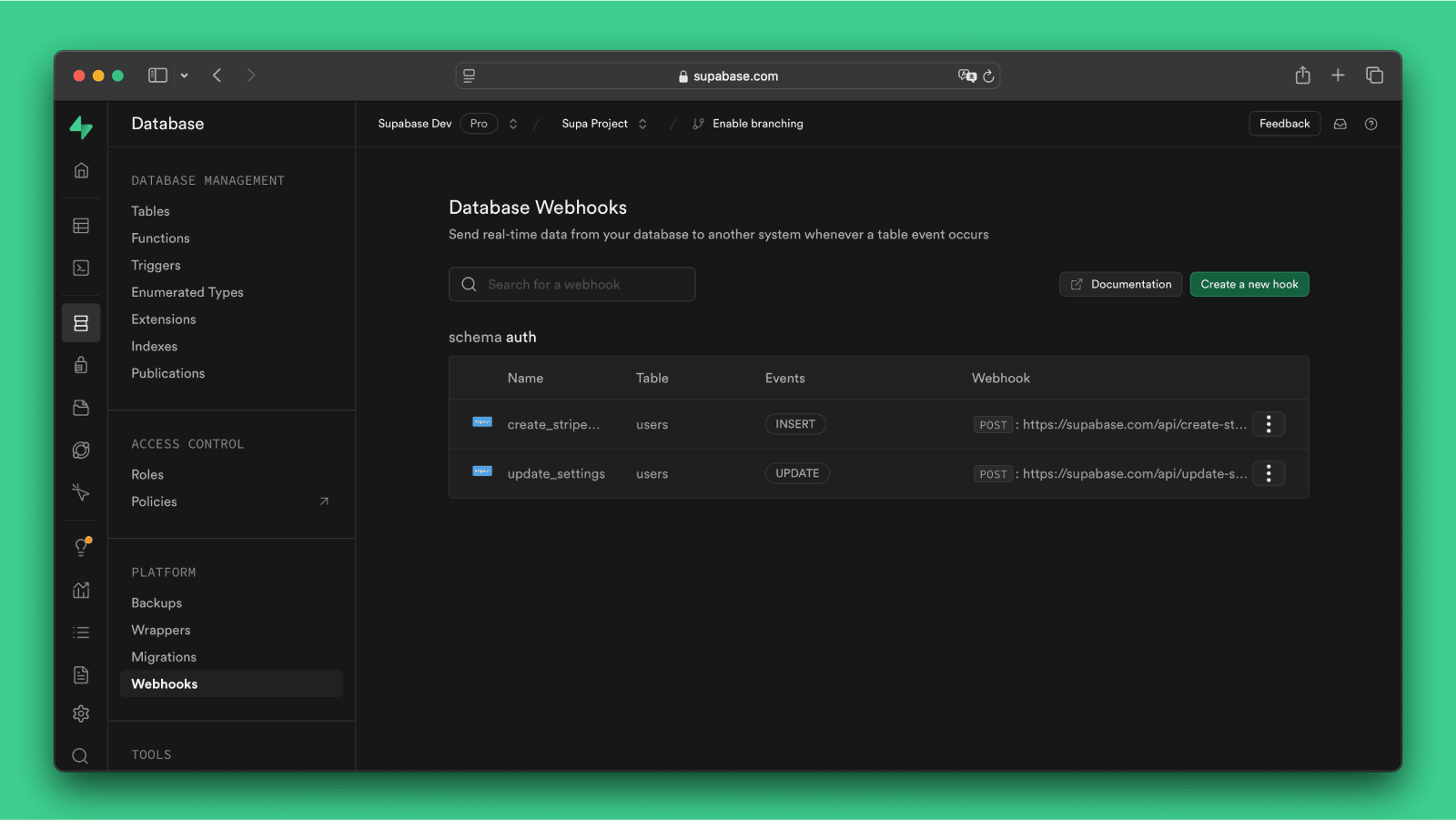
Stop sending notifications for users who never confirm their email. This guide walks through a clean, event-driven architecture using Supabase, Postgres triggers, and Next.js webhooks—no edge functions required.
Building Smarter User Notifications (That Don’t Cry Wolf)
Let’s be honest—triggering notifications on user signup is… optimistic.
Half of those users never confirm their email. And now your admin inbox is full of ghosts. Not ideal.
So instead, we do what grown-up systems do: wait for actual confirmation before firing notifications.
This article walks through a clean, event-driven approach using Supabase, Postgres triggers, and a Next.js webhook handler—no extra infrastructure, no edge functions, no nonsense.
The Core Idea
Instead of reacting to signup, we react to email confirmation.
That moment is the signal that:
The user is real
The email is valid
The account is usable
Everything before that? Noise.
🔄 Event Flow (The Real MVP)
Here’s how the system actually works:
User clicks confirmation link
  → Supabase sets auth.users.confirmed_at
    → Postgres trigger fires
      → Syncs confirmed_at to public.profiles
        → Supabase Database Webhook fires
          → POST /api/webhooks/user-confirmed
            → Send email + Slack notification
Simple, clean, and most importantly—accurate.
This flow is based directly on your design spec .
Why This Architecture Works So Well
1. Supabase Auth is a Black Box (Deal With It)
You don’t control the confirmation event directly—it happens inside Supabase Auth.
So instead of fighting it, you bridge it.
2. The public.profiles Table is Your Spy
Supabase webhooks only work on public schema tables.
So you:
Mirror
confirmed_atintopublic.profilesLet webhooks observe it
Trigger downstream logic
Sneaky? Yes. Effective? Also yes.
3. Everything Lives in Your App
No edge functions. No extra services. No “where the hell is this running?” moments.
Your Next.js app handles:
Webhook ingestion
Email sending (Resend)
Slack alerts
One codebase. Less chaos.
🧱 Data Layer: The Trigger That Starts It All
You add a confirmed_at column to public.profiles, then wire up a Postgres trigger:
Trigger condition:
OLD.confirmed_at IS NULL AND NEW.confirmed_at IS NOT NULL
Trigger action:
UPDATE public.profiles
SET confirmed_at = NEW.confirmed_at
WHERE id = NEW.id;
This ensures:
Only new confirmations trigger updates
No duplicate noise
No accidental spam
🔌 API Layer: Your Webhook Handler
Endpoint:
POST /api/webhooks/user-confirmed
What it does:
Verifies a secret (
x-webhook-secret)Parses the Supabase payload
Fires:
sendAdminEmail(profile)sendSlackNotification(profile)
Key design decision:
Each notification runs independently.
Because:
If Slack dies, email still works. If email fails, Slack still screams.
No single point of failure. Just how it should be.
📣 Notifications: Keep It Simple, Keep It Useful
Email (via Resend)
Sent to
ADMIN_EMAILIncludes:
Name
Email
User ID
Confirmation timestamp
Slack (Incoming Webhook)
Lightweight JSON payload
Quick visibility for teams
No over-engineering
🔐 Security (Don’t Skip This Part)
Webhook requests are verified using:
x-webhook-secret === WEBHOOK_SECRET
If it doesn’t match:
❌ Return 401
❌ Do nothing
Because letting random requests trigger admin notifications is… a career-limiting move.
⚙️ Supabase Setup (One-Time, Don’t Mess It Up)
In the dashboard:
Table:
public.profilesEvent:
UPDATEEndpoint: your webhook URL
Header:
x-webhook-secret
Optional but highly recommended:
confirmed_at IS NOT NULL
This prevents unnecessary triggers from unrelated updates.
💥 Error Handling Philosophy
This system follows a very pragmatic rule:
“Notifications should never break the system.”
So:
Email fails → log it, move on
Slack fails → log it, move on
Both fail → still return
200 OK
Why?
Because retries from Supabase would just spam your system for non-critical failures.
🚫 What This System Doesn’t Do (On Purpose)
No retry queue
No notification preferences
No multi-admin setup
No edge-case handling for disabled email confirmations
Because overengineering is the fastest way to kill a good system.
🧠 Final Thoughts
This design hits a sweet spot:
✅ Event-driven without complexity
✅ Reliable without overengineering
✅ Accurate without noise
And most importantly:
It only notifies you when something actually matters.
Which, let’s be honest, is what notifications should’ve been all along.
🔗 Want to Implement This?
If you’re building a SaaS, CMS, or any system with user onboarding—this pattern is worth stealing.
Clean triggers. Smart webhooks. Minimal infrastructure.
Chef’s kiss. 👨🍳
🔗 Full Implementation Walkthrough
If you want the complete step-by-step implementation (with actual code, setup screenshots, and zero guesswork), I’ve broken it down in detail here:
Stay in the loop
Get notified when new posts are published. No spam, unsubscribe anytime.
No spam · Unsubscribe anytime